
Professional conference timer
Everything you need to run time on stage
A complete toolkit — from the countdown itself to broadcast graphics and remote control.
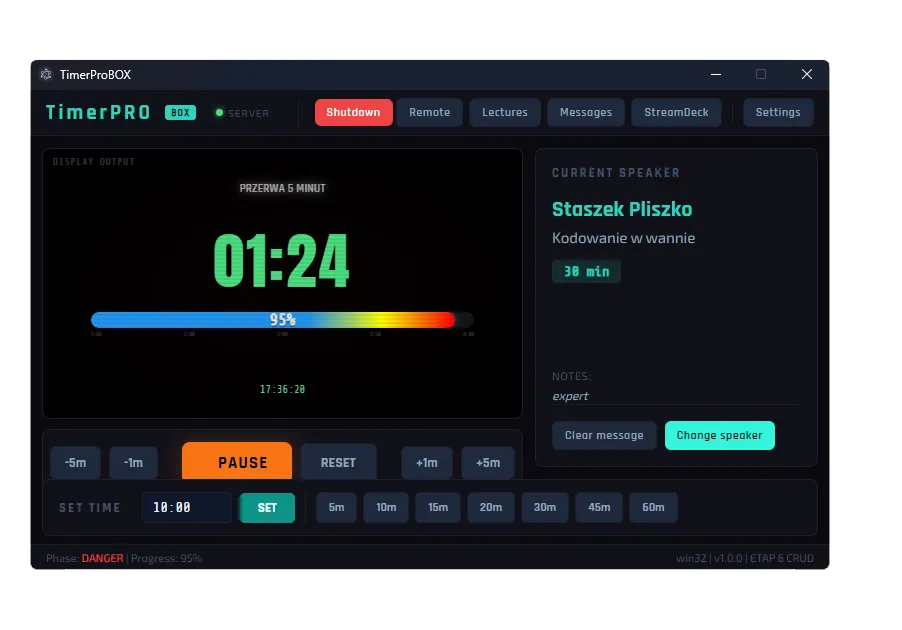
Precision timer core
The heart of TimerProBOX: a countdown you can trust.
- ±1 ms accuracy — never drifts
- Count down or count up, with overtime tracking
- Automatic colour phases: green → yellow → red → overtime
- Quick presets for instant setup
Display & branding
Show the timer exactly how your event needs it.
- Dual display output — operator and stage at once
- Full-screen clock mode with date
- Progress bar in phase colours
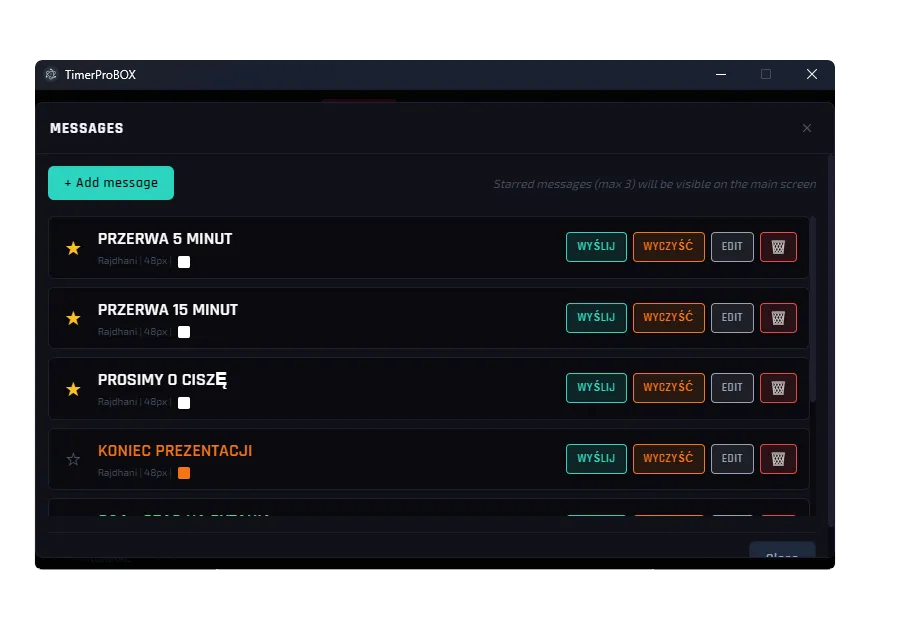
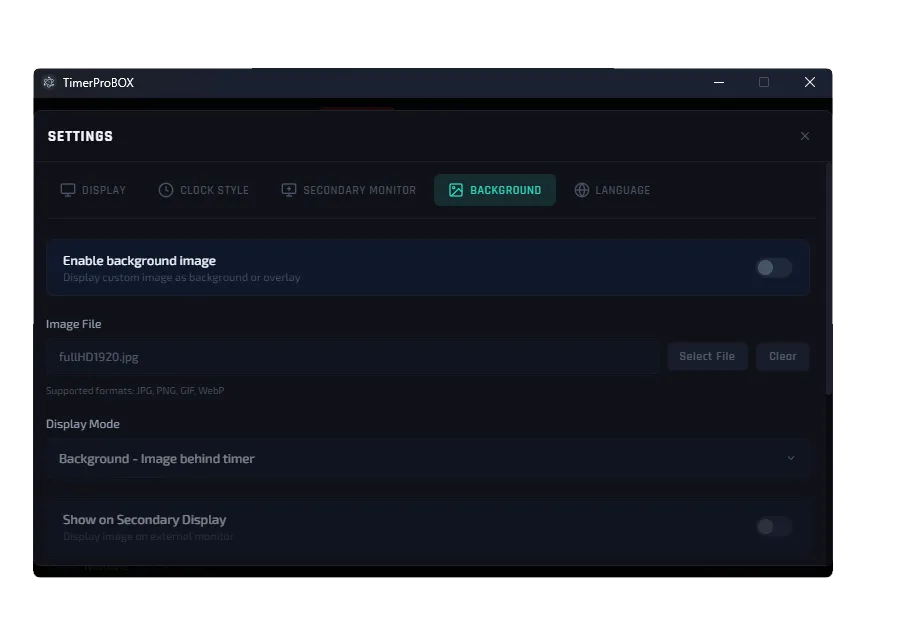
- Custom background, conference title and on-screen messages
Control interfaces
Run the show your way.
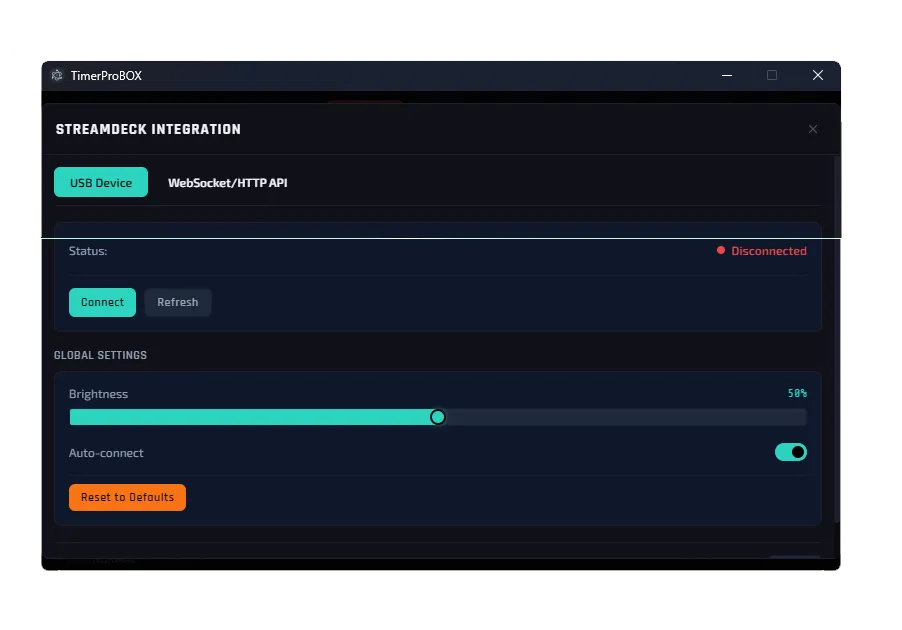
- Touch-screen console — add a keyboard or Stream Deck via USB
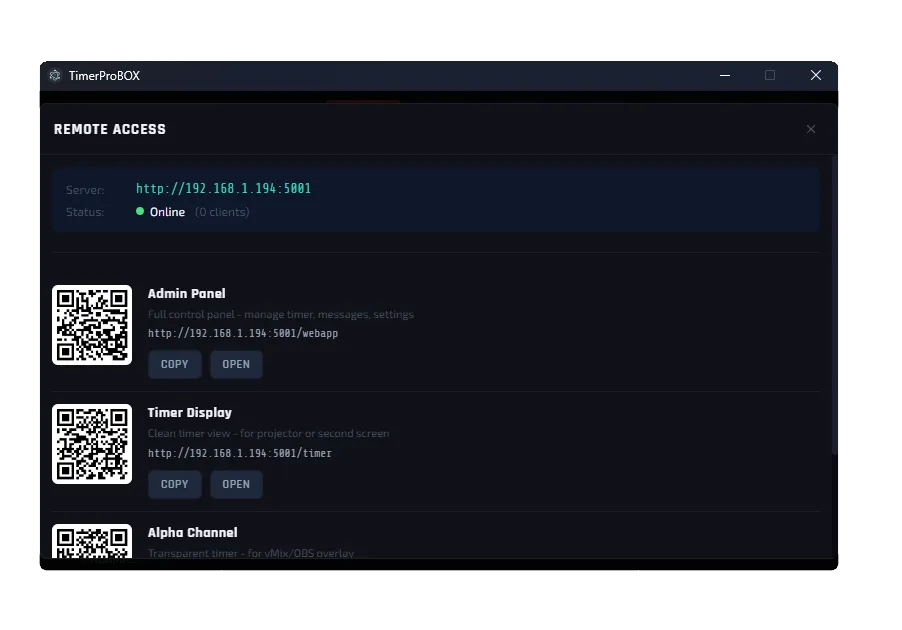
- Web remote from any phone or tablet
- Elgato Stream Deck support
- REST API & WebSocket for integrations
Broadcast & integrations
Studio-grade output for live production.
- ON AIR / REHEARSAL / OFF AIR statuses
- Three broadcast display templates
- Chroma-key / alpha output for vMix & OBS
- Five interface languages: PL, EN, DE, ES, FR
One device, every view you need
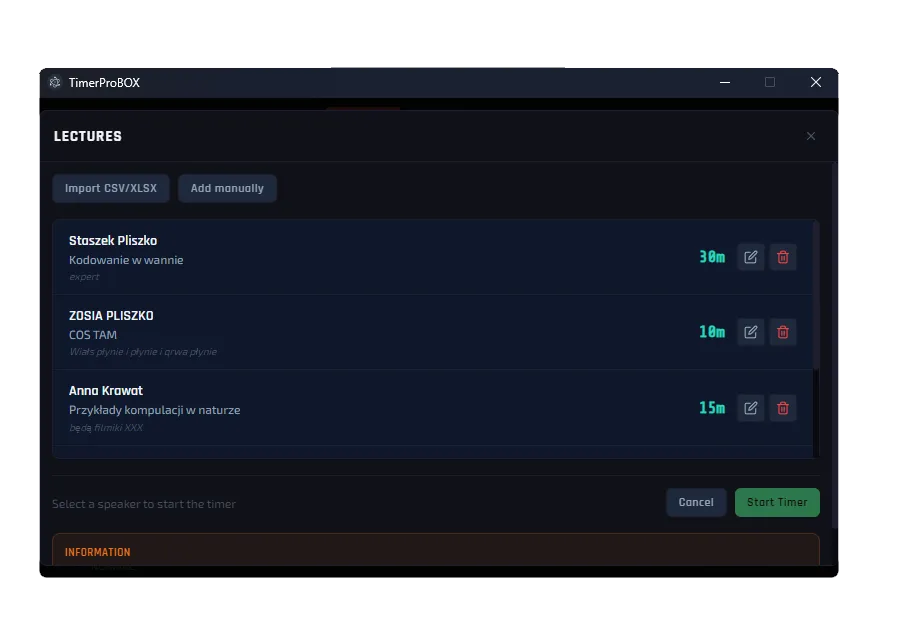
From the operator console to the speaker’s screen — see how TimerProBOX runs your session.
Broadcast mode
Studio-grade ON AIR, built in
Switch TimerProBOX into broadcast mode and turn any screen into a professional on-air display. Big, unmistakable status, a live countdown and clean graphics you can key straight into your production.
- Large ON AIR / REHEARSAL / OFF AIR status
- Three ready-made display templates
- Chroma-key output for vMix & OBS
- Custom font, size and colour
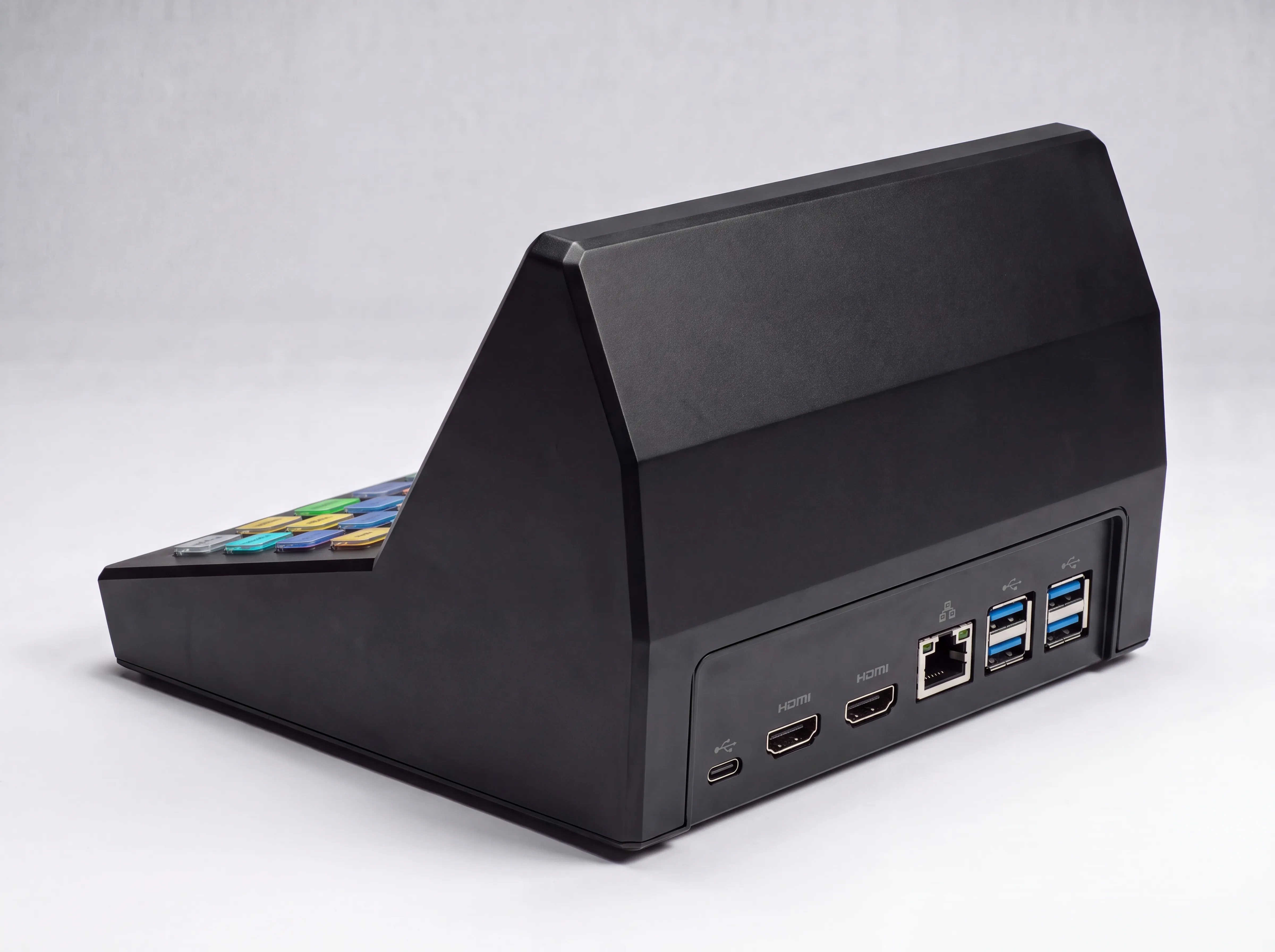
Ready for your whole setup
Every connection you need is already on the device — plus room to grow.
Dual HDMI
Drive the operator view and the stage screen at the same time.
USB ports
Add a mouse, keyboard or an Elgato Stream Deck any time.
Wired network
Rock-solid connection to your event network.
Wi-Fi
Control from a tablet with no cables at all.
Bluetooth
Connect wireless accessories.
Expandable
Bought the base model? Add a Stream Deck later and just plug it in.
Why TimerProBOX
The reliability of dedicated hardware with the features of modern software — and no subscription.
| What matters | TimerProBOX | LED timer boxes | Timer software |
|---|---|---|---|
| Ready-to-use device | |||
| On-screen graphics & branding | |||
| ON AIR broadcast mode | |||
| vMix / OBS integration | |||
| Tablet & Stream Deck control | |||
| Works without a separate PC | |||
| No subscription | |||
| Lifetime updates |
Ready to keep your event on time?
Order your TimerProBOX today, or get in touch with any questions.